What Is MiniMax H3? Features, Inputs, Audio, and Use Cases
Understand what MiniMax H3 is, how text, image, video, and audio inputs work, what the V2 API supports, where H3 is useful, and its practical limits.

MiniMax H3 is a multimodal video-generation model that can use text, images, video, and audio as creative context. Its current V2 generation interface supports text-to-video, first- and last-frame image guidance, and multimodal reference-to-video. It documents 768P or direct 2K output, durations from 4 to 15 seconds, multiple aspect ratios, and synchronized audio-video generation.
Quick answer: MiniMax H3 is a multimodal AI video model that generates synchronized video and stereo audio from text, images, video, and audio references. Its documented workflows include text-to-video, first-and-last-frame generation, and multimodal reference control, with output durations from 4 to 15 seconds and resolutions up to 2K.
MiniMax H3 at a glance
| Area | Current documented capability |
|---|---|
| Core output | Generated video with synchronized audio |
| Input types | Text, image URL, video URL, audio URL |
| Workflows | Text-to-video, first/last-frame, multimodal reference |
| Resolution | 768P or 2K |
| Duration | 4–15 seconds |
| Text-to-video ratios | 21:9, 16:9, 4:3, 1:1, 3:4, 9:16 |
| Reference images | Up to 9 in the documented multimodal mode |
| Reference video | Up to 3 files, subject to time and size limits |
| Reference audio | Up to 3 files, subject to time and size limits |
These are interface specifications, not a promise that every prompt will achieve every objective. Quality and consistency vary by scene, references, duration, and generation.
The three main MiniMax H3 workflows
Text to video
Text-to-video uses one required prompt plus output settings. It is the fastest mode for original concepts, establishing shots, product ideas, cinematic inserts, social clips, and scenes that do not need to match an uploaded subject.
A useful prompt defines a subject, setting, ordered action, camera, visual design, sound, and constraints. “Cinematic product video” is too broad. A timed sequence describing how light, camera, object, and sound change is easier to evaluate and revise. See the text-to-video documentation.
First and last frame
Image-to-video can use a first frame, a last frame, or both. A first frame anchors the opening appearance and composition. A last frame defines where the movement should resolve. When both are supplied, the prompt directs the transition.
The endpoint images should be compatible. A short video cannot always reconcile unrelated geometry, lighting, and identity cleanly. This mode is useful for planned transitions, product reveals, before-and-after motion, and connected editing. Read the first and last frame guide.
Multimodal reference
Multimodal reference combines a prompt with images, video, and audio assigned to reference roles. Images can guide identity or product design. Video can guide action, camera behavior, or editing rhythm. Audio can guide voice, ambience, or music.
The prompt must say what each asset contributes. It should also say what not to copy. This is one of H3's most distinctive workflows, but it demands more preparation than text-to-video. The current API treats first/last-frame roles and multimodal reference roles as mutually exclusive within one request. Use the reference-to-video guide for practical examples.
What native audio means
MiniMax H3 can direct dialogue, sound effects, ambience, and music together with the picture. That shared timing can reduce the work needed to create a convincing first audiovisual edit. A speaker can deliver a line while an effect and camera move happen at defined moments.
Native audio is not guaranteed final sound. Exact wording, lip timing, voice identity, music rights, loudness, and continuity still require review. Commercial projects may keep generated ambience while replacing dialogue or music in post. The MiniMax H3 native audio guide provides a testing workflow.
Direct 2K output and duration
The V2 interface currently documents 768P and 2K. It also accepts integer durations from 4 through 15 seconds. Resolution influences detail and credit use, while duration increases both creative capacity and the number of frames in which an inconsistency can appear.
Start a new idea at four or five seconds and 768P. Confirm composition, motion, identity, and sound. Move to a longer duration or 2K only when the directing structure works. This staged process is faster to diagnose and more cost-efficient.
Where MiniMax H3 is useful
Product and advertising video
References can preserve product appearance while a prompt directs camera, materials, environment, and sound. Exact logos and legal copy still need close review.
Character storytelling
Identity images, wardrobe references, voice direction, and multi-shot prompts can support short narrative scenes. Difficult angles, occlusion, and several similar characters increase drift risk.
Social and UGC concepts
Vertical ratios, dialogue, native ambience, and short durations fit concept testing for social creative. Generated people and claims should be reviewed for disclosure, consent, and advertising compliance.
Film and game visualization
H3 can help explore shots, camera language, worlds, and audio mood before expensive production. Treat output as visualization unless it passes the project's final technical and legal review.
Motion and style reference
Reference video can communicate movement or camera pacing that is cumbersome to describe. The prompt should limit transfer to the intended property.
What MiniMax H3 does not guarantee
No generative video model guarantees stable anatomy, exact text, perfect physics, unchanged identity, literal dialogue, or a usable result on every attempt. Complex contact, rapid action, heavy occlusion, long typography, many speaking characters, and overloaded multimodal instructions are higher-risk tests.
Open weights also should not be confused with a complete reproduction of every hosted capability. Check the current model repository, files, code, and license. The open-source guide explains this distinction.
Online generation versus local experimentation
The online workspace is useful when a creator wants to start immediately, use the connected generation route, track asynchronous jobs, retain output links, and avoid maintaining a local GPU environment. Local ComfyUI is useful for graph-level research, released-weight experimentation, and workflows that justify the hardware and setup effort.
These approaches serve different users. Read the MiniMax H3 ComfyUI guide and VRAM requirements guide before planning local deployment.
How much does MiniMax H3 cost here?
The minimaxh3.pro workspace uses credits. Current output rates are 25 credits per generated second at 768P and 40 credits per generated second at 2K, with possible additional use from reference-video seconds and images above the included count. Plans and packages are published on the Pricing page. Read the MiniMax H3 cost guide for worked examples.
How to begin
- Open the MiniMax H3 playground.
- Choose text-to-video for the simplest first test.
- Write one subject, one action sequence, one camera direction, and one sound environment.
- Select four or five seconds at 768P.
- Generate and review the complete clip with audio.
- Revise one layer at a time.
- Use first/last-frame or multimodal reference only when the scene needs stronger control.
The Getting Started documentation explains account, credits, generation, progress, and saved results.
Explore MiniMax H3 in production
Continue with the path that matches your next decision:
- Compare alternative systems with MiniMax H3 vs Kling 3.0, MiniMax H3 vs Google Veo 3.1, MiniMax H3 vs OpenAI Sora 2, or MiniMax H3 vs Wan 2.2.
- Build commercial creative briefs with product video prompts and UGC video prompts.
- Plan longer creative sequences with the music video workflow or game cinematic prompts.
- Evaluate another model using the same controlled method described in the MiniMax H3 real-world test.
Primary sources
This site is an independent third-party service and is not affiliated with, endorsed by, or operated by MiniMax.
MiniMax H3 FAQ
What is MiniMax H3?
MiniMax H3 is a multimodal AI video model that generates synchronized video and stereo audio from text, images, video, and audio references.
How long can a MiniMax H3 video be?
The documented V2 generation workflow supports integer durations from 4 to 15 seconds.
Can MiniMax H3 generate 2K video?
Yes. The documented resolution options include 768P and direct 2K output.
Does MiniMax H3 generate audio?
Yes. MiniMax H3 can generate synchronized stereo audio, including dialogue, ambience, sound effects, and music direction.
Categories
More Posts

Best MiniMax H3 Alternatives in 2026: 8 Models Compared
Compare current MiniMax H3 alternatives including Seedance 2.5, Kling 3.0, Veo 3.1, Runway Gen-4.5, LTX-2.3, Luma Ray3.2, Firefly, and Wan.

MiniMax H3 Prompt Guide for Video, Camera, and Sound
Write better MiniMax H3 prompts for text-to-video, first and last frames, and multimodal references with a practical scene structure and examples.
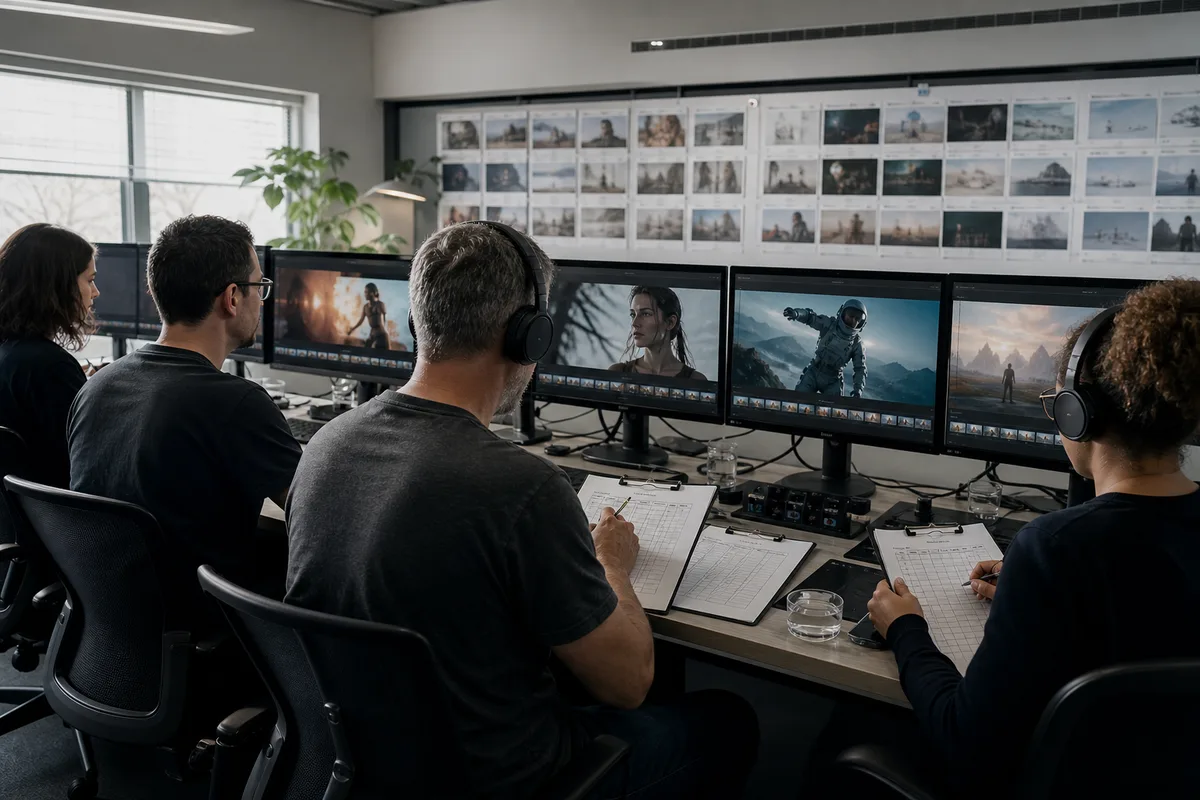
MiniMax H3 Real-World Test: Strengths and Weaknesses
Evaluate MiniMax H3 with a repeatable real-world test for product shots, characters, motion, audio, references, text, cost, and production usability.
Newsletter
Join the community
Subscribe to our newsletter for the latest news and updates