MiniMax H3 Native Audio: Dialogue, Lip Sync, and Sound
Learn how MiniMax H3 native audio works, how to prompt dialogue and stereo sound, what to test, and how to improve lip sync and audio continuity.
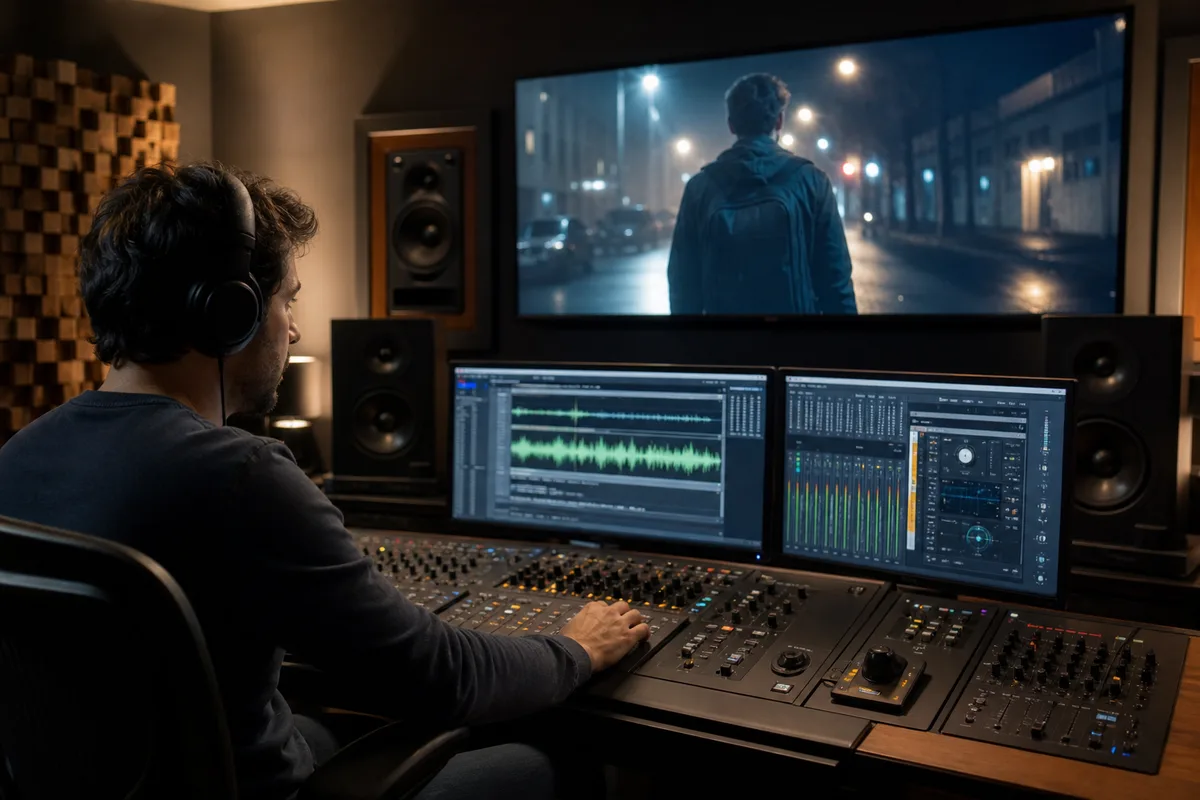
MiniMax H3 native audio means sound is directed as part of the video generation rather than treated only as a separate post-production layer. A prompt can describe dialogue, performance, sound effects, ambience, music, timing, and stereo placement together with the visual scene. That shared direction is useful, but it does not make every generated soundtrack delivery-ready. The best results come from treating audio as a designed sequence.
Quick answer: MiniMax H3 can generate synchronized audio with video, including speech, effects, ambience, and music. For reliable results, name the speaker, quote the intended line, specify when it is spoken, separate foreground and background sound, and evaluate the complete clip rather than judging one still frame.
What “native audio” changes
Traditional text-to-video workflows often create silent footage. The creator then finds a voice, records dialogue, builds effects, chooses music, and manually synchronizes every layer. Native audio moves the first sound design pass into generation. Visual action and sound can be requested in the same temporal plan: a door closes as the camera cuts, footsteps cross the stereo field, or a speaker pauses before a product reveal.
This is most valuable when sound is connected to visible performance. Dialogue affects facial motion. A motor affects the perceived energy of a vehicle shot. Rain changes the sense of space. A musical hit can motivate a cut. Generating those relationships together may reduce assembly work, but a commercial editor should still review intelligibility, timing, rights, loudness, and continuity.
The four audio layers to prompt
Write sound in four separate layers so the model does not have to infer their relationship.
- Dialogue: exact words, speaker, language, delivery, position, and timing.
- Effects: visible or story-relevant sounds such as fabric, glass, engines, impacts, or interface tones.
- Ambience: the continuous environment—room tone, traffic, wind, crowd, rain, or machinery.
- Music: genre, instrumentation, intensity, entry point, and whether it should sit under dialogue.
A useful direction is: “At six seconds, the mechanic looks toward camera and says in calm English, ‘Listen to the machine.’ Her voice is close and centered. Tools ring softly on the left, rain spreads across the roof in stereo, and the engine settles into a low idle. No music.” This defines priority and leaves less room for conflicting sound.
How to prompt dialogue and lip sync
Lip sync should be evaluated as a timing problem, not merely a facial-detail problem. Keep the first test to one visible speaker and one short sentence. Put spoken text in quotation marks. State when speech begins, whether the speaker faces camera, and how the line is delivered. Avoid giving a four-second clip a paragraph of dialogue.
For two speakers, identify each person consistently and define turn-taking: “The woman on the left asks the question at two seconds. After a brief pause, the man on the right answers at six seconds. They do not speak over each other.” If the model changes who is speaking, simplify the shot or separate the exchange into two clips.
Judge lip sync at normal speed with sound on. Then review frame by frame around consonants and mouth closures. A plausible face in a muted clip does not prove synchronized speech. Also listen for clipped word endings, invented syllables, sudden voice changes, and dialogue buried under music.
Stereo sound and spatial direction
Stereo is most useful when sound follows the scene. Ask for placement only where it has a visual reason: a tram approaches from the right, footsteps pass behind camera, or a crowd surrounds the subject. Too many spatial instructions can make the mix unstable.
Use stable ambience as the acoustic floor. In a multi-shot sequence, request that the same room tone, weather, and musical bed continue across cuts. If the location changes, describe the transition. Audio continuity often makes separate shots feel more connected even when the visuals contain small inconsistencies.
Native audio prompt template
[Duration and scene]. [Subject and action beats].

Dialogue: [speaker] says, “[exact line],” at [time], in [language and delivery].
Effects: [visible synchronized sounds and timing].
Ambience: [continuous environment and stereo space].
Music: [style, intensity, entry/exit, relationship to speech].
Mix priority: [what must remain clear].
Constraints: [no extra voices, no lyrics, preserve speaker identity, etc.].
The mix-priority line matters. “Keep dialogue clearly above the café ambience” is more actionable than listing five equally important sounds.
A practical native-audio test protocol
Use repeatable tests before drawing conclusions about quality.
| Test | Prompt design | What to inspect |
|---|---|---|
| Single speaker | One close-up, one short sentence | Lip timing, words, voice consistency |
| Product action | One visible mechanical action | Effect synchronization and material sound |
| Moving source | Vehicle or footsteps crossing frame | Stereo movement and distance |
| Multi-shot scene | Two or three planned cuts | Ambience, voice, and music continuity |
| Quiet scene | No music, restrained effects | Noise, invented speech, room tone |
Generate several variations using the same prompt. Record duration, resolution, result, and the specific failure. “Audio bad” is not diagnostic; “the final word is clipped” or “the ambience resets after the cut” tells you what to revise.
Common audio failures and fixes
Dialogue is rushed. Shorten the line, increase duration, or move the first spoken word earlier. Do not demand long copy during fast action.
The wrong person speaks. Name speakers by stable visual attributes and define turn order. For important dialogue, use separate shots.
Music covers the voice. State that dialogue is foreground and music is restrained underneath it. Remove unnecessary effects on the first attempt.
Sound does not match action. Add a clear time anchor: “the glass touches the table at five seconds with one dry click.” Reduce competing events.
Audio changes after a cut. Explicitly preserve the same voice, ambience, and musical bed across the sequence.
The model invents speech. Write “no dialogue and no intelligible background voices,” then define the allowed ambience.
When to keep post-production in the workflow
Native audio is a strong creative starting point, not a reason to eliminate sound editing. Replace or polish audio when exact legal copy, a contracted actor, a protected brand voice, broadcast loudness, multilingual localization, or licensed music is required. Save clean versions of approved dialogue and music separately when the production needs future revisions.
For advertising, also verify claims and on-screen speech before publication. Generated audio can sound confident while changing a word. Human review remains necessary.
Try native audio in MiniMax H3
Start with a four- or five-second 768P test in the MiniMax H3 playground. Use one speaker or one sound-producing action. Once timing works, increase duration, add a second audio layer, or move to 2K. The MiniMax H3 prompt guide provides complete directing templates, while Multimodal reference documentation explains how reference audio fits the workspace.
Sources and status
This independent guide describes a testing and prompting workflow. Audio quality varies by prompt, scene, duration, and generation. It is not affiliated with MiniMax.
MiniMax H3 native audio FAQ
Does MiniMax H3 generate native audio?
Yes. MiniMax H3 can generate synchronized stereo audio as part of the video result rather than requiring a separate post-production audio pass.
Can MiniMax H3 generate dialogue and lip sync?
It can generate dialogue with synchronized mouth movement, but accuracy still depends on prompt clarity, shot design, language, face visibility, and scene complexity.
How should sound be described in a prompt?
Specify the speaker, exact dialogue, voice quality, ambience, sound effects, music, timing, and any sounds that must be excluded.
How can audio continuity improve across shots?
Keep voice identity, room tone, music, acoustic space, and transition instructions consistent, then evaluate with headphones before final delivery.
Categories
More Posts
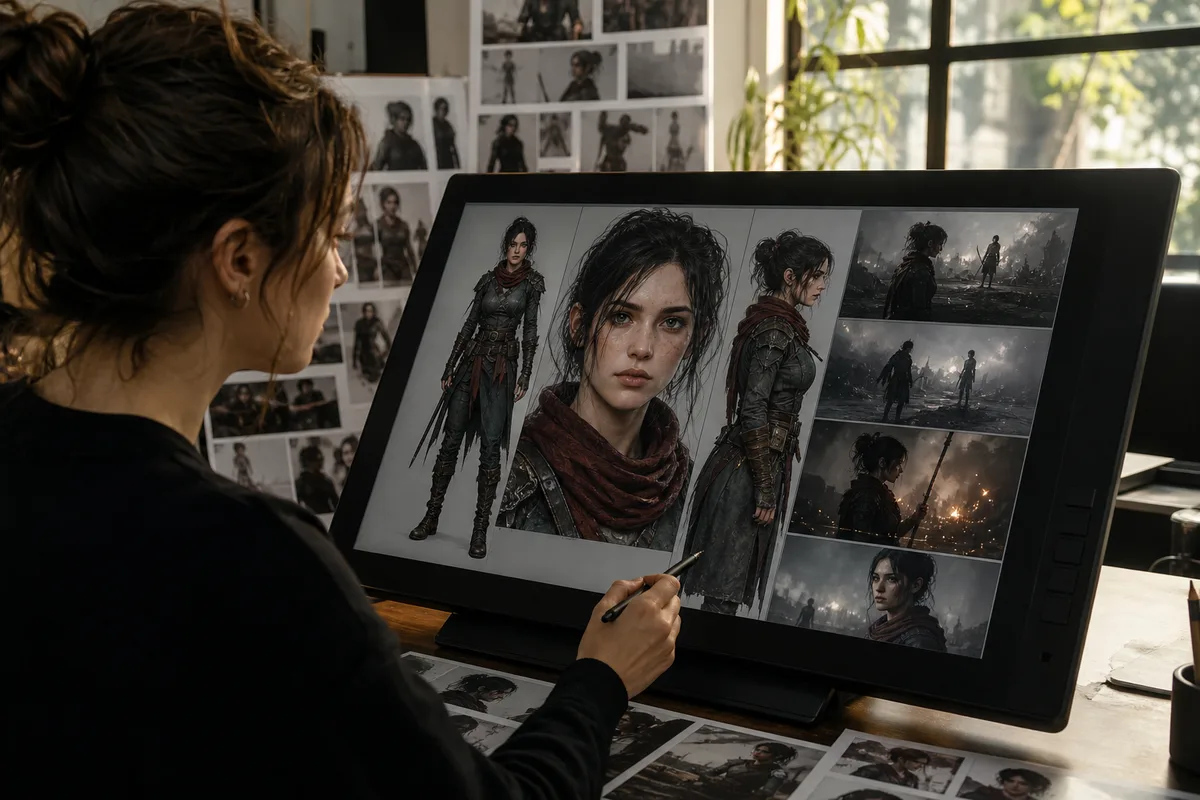
MiniMax H3 Character Consistency for Multi-Shot Video
Keep MiniMax H3 characters consistent across shots with better references, identity prompts, first and last frames, continuity notes, audio, and editing.
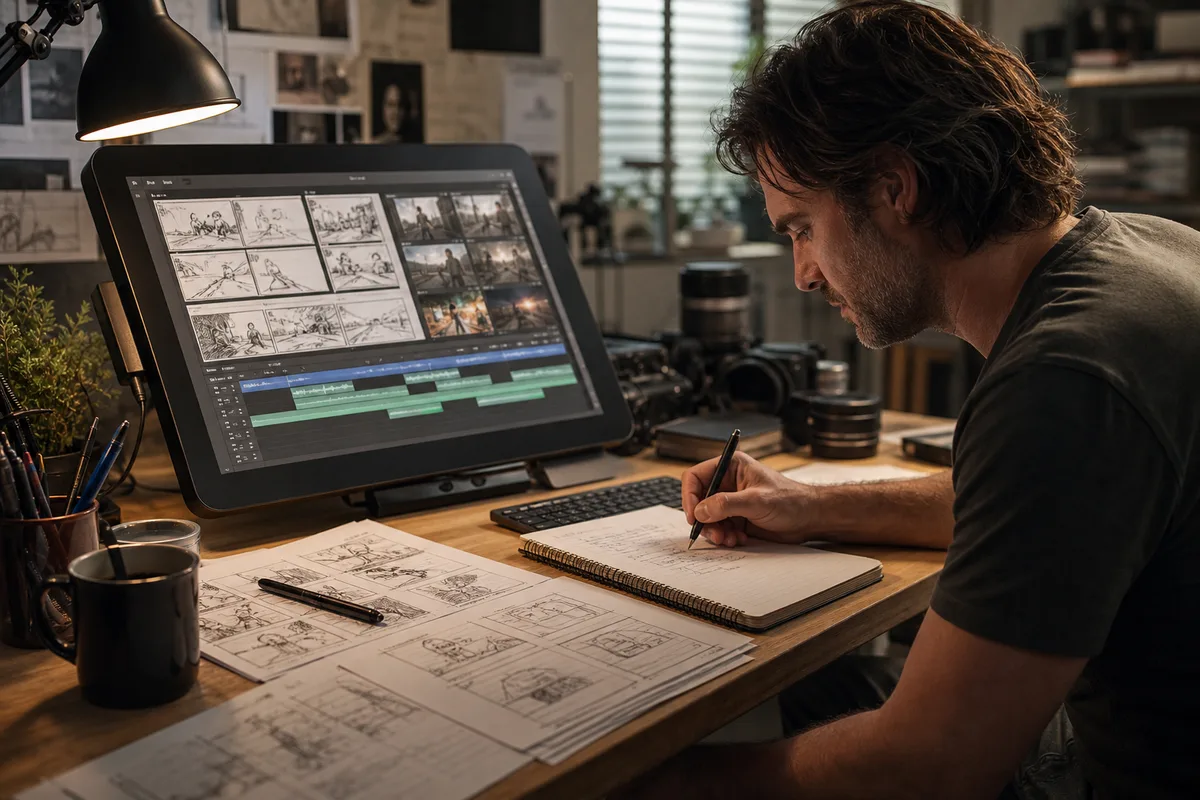
MiniMax H3 Prompt Guide for Video, Camera, and Sound
Write better MiniMax H3 prompts for text-to-video, first and last frames, and multimodal references with a practical scene structure and examples.
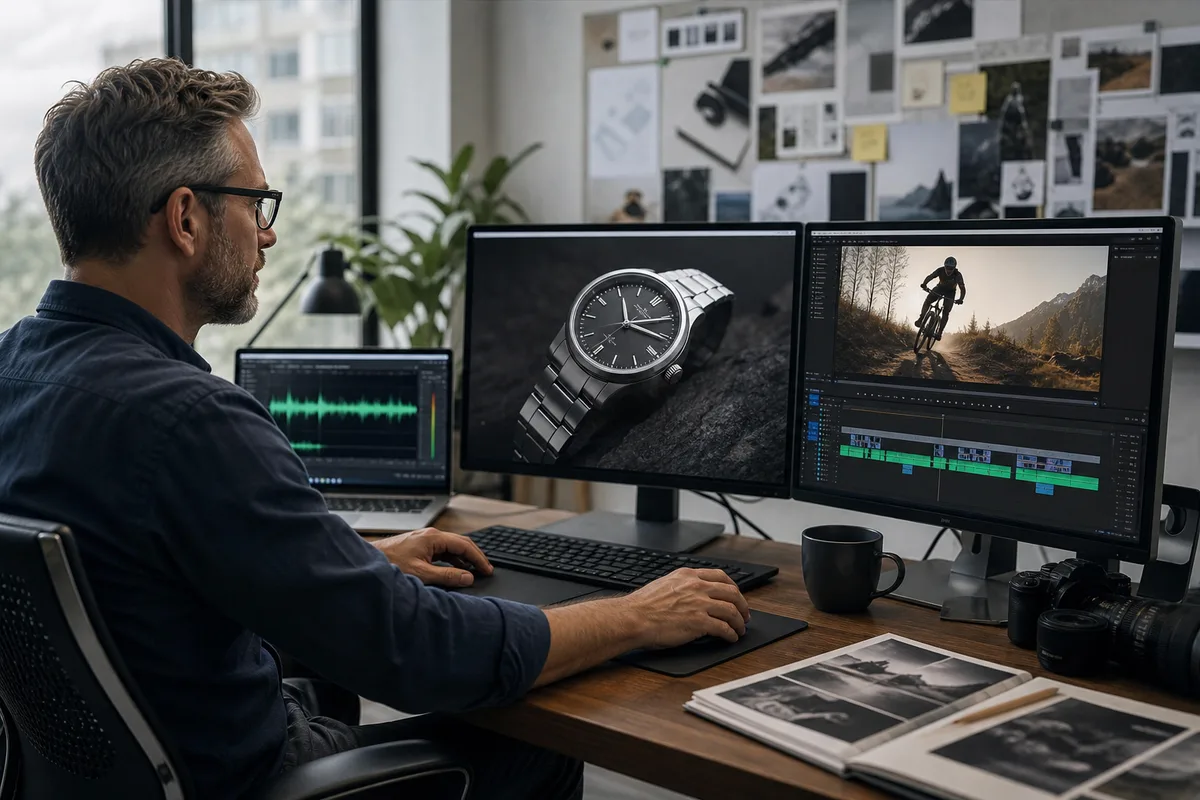
MiniMax H3 Reference-to-Video Guide: Motion and Sound
Use MiniMax H3 reference images, videos, and audio to control identity, products, motion, camera rhythm, voice, and style without copying unwanted details.
Newsletter
Join the community
Subscribe to our newsletter for the latest news and updates