MiniMax H3 Game Cinematic Prompts for Trailers and Concepts
Create MiniMax H3 game cinematics with prompts for character reveals, environments, UI moments, combat teases, native audio, consistency, credits, and editing.
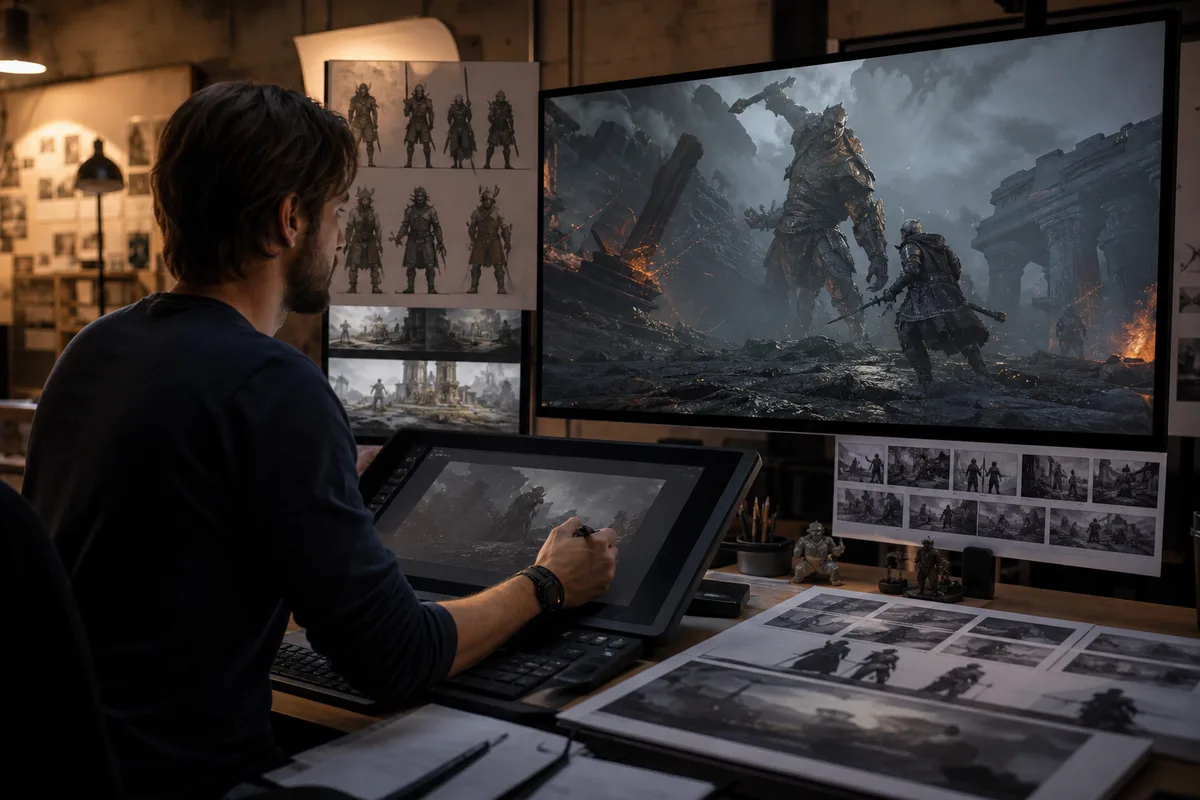
Quick answer: Use MiniMax H3 for short game-cinematic concepts, trailer inserts, character reveals, environment shots, and UI moments—not as a replacement for a complete game engine pipeline. Lock fictional character and prop designs with authorized references, describe a small number of timed actions, keep camera and sound intentional, and assemble multiple 4–15 second clips in editing.
Game trailers demand more continuity than a single showcase shot. Armor, weapons, creatures, vehicles, environments, UI typography, and faction colors must survive movement and cuts. MiniMax H3 can help create pitch visuals and short cinematic moments, but a production workflow needs design references, shot planning, exact review criteria, and post-production.
Decide what the clip must prove
Every generation should answer one trailer question:
- What does the hero look and feel like?
- What is special about the world?
- What is the core threat?
- What mechanic or ability should the audience understand?
- What emotional turn belongs in the trailer?
- What image should close the beat?
Do not ask one eight-second generation to introduce the hero, show a battle, reveal a city, demonstrate three abilities, render UI text, and end on a logo. Split those jobs into shots.
Build a continuity sheet
For recurring fictional characters, record face, silhouette, armor pieces, colors, weapon shape, damage state, movement style, voice, and prohibited changes. For environments, record architecture, time, weather, palette, scale, and recurring landmarks. Use only game assets you own or are authorized to process.
If a concept starts from text, select one strong result as the identity reference for later shots. The character consistency workflow explains how to carry identity and wardrobe through a sequence.
Prompt 1: playable-character reveal
Prompt mapped to this video
Playable-character reveal
Ten-second cinematic reveal for a fictional science-fantasy game. A lone ranger called Mara wears asymmetrical charcoal armor with one coral shoulder plate and carries a short crescent-shaped energy bow. Preserve her face, dark braided hair, armor silhouette, shoulder color, bow shape, and body proportions. Begin behind her boots on a rain-soaked metal bridge. At three seconds, rise to a low medium shot as she turns toward camera and the bow activates once. At seven seconds, push closer while distant towers light up through fog. Realistic weight, controlled fabric and rain, deep charcoal, coral, and muted violet palette. Add rain on metal, one energy ignition, distant machinery, and no music. One continuous shot, no helmet, no extra weapons, no text, no enemies.
This is a reveal, not a fight. Removing combat allows the shot to preserve design and make the activation readable.
Prompt 2: world-establishing shot
Prompt mapped to this video
World-establishing shot
Eight-second game-world establishing shot over a fictional coastal city built inside enormous black stone arches. Begin just above rough ocean water at dawn. Fly forward between two arches as small cargo craft cross at different depths. At four seconds, rise to reveal terraced buildings, coral navigation lights, and a distant circular citadel. Preserve architectural scale, arch geometry, city palette, and flight direction. Cinematic but physically coherent camera, pale sky, dark wet stone, restrained fog. Add ocean wind, distant engines, gulls, and one low city horn, no music, no text, no cuts, no modern real-world logos.
Environment shots can tolerate more visual variation than a hero close-up, but horizon, architecture, and camera direction must remain stable enough to edit.
Prompt 3: combat tease without chaos
Six-second combat teaser in a ruined observatory at night. Mara, wearing the same charcoal armor and coral shoulder plate, slides behind a broken stone column as one blue energy projectile passes overhead. At two seconds, she plants one knee, draws the crescent bow, and fires one coral arrow toward an offscreen target. End immediately on the bow recoil. Low tracking camera, readable silhouette, realistic weight and foot contact, restrained particles, no cuts. Add one projectile pass, stone debris, bow charge, arrow release, and short room echo. No visible enemy, no explosions, no extra weapons, no duplicated limbs.
Complex battles fail when too many bodies, impacts, and camera moves compete. A teaser can imply a larger fight with one projectile, one response, and an offscreen threat.
Prompt 4: UI and product moment
Five-second fictional game interface reveal. A clean holographic map appears above a black command table inside the same city. Begin with the table dark. At one second, three coral route lines illuminate from left to right. At three seconds, a single circular objective marker pulses once above the citadel. Locked top-down camera, stable map geometry, crisp minimal interface, black, coral, and muted violet palette. Add quiet interface ticks and low room ambience. No characters, no extra panels, no readable words, no numbers, no logo.
Generate critical menu text, ratings, prices, or calls to action in post. Use H3 for movement, light, and spatial design while keeping exact typography under editor control.
Native audio for game cinematics
Sound communicates scale and mechanic timing. Name the source of every important effect: bow ignition, armor contact, engine pass, UI pulse, creature breath, or environmental resonance. Avoid a generic request for “epic sound.” Decide whether music is required. For trailer editing, effects-only clips are often more flexible than clips with unrelated generated music.
Visible dialogue should be short and assigned to one speaker. Record final voice-over separately when exact performance, casting, localization, or legal approval matters. H3 audio can still guide timing and previsualization.
Settings and production budget
Use 16:9 for trailer concepts and 9:16 for social cutdowns. Test new characters at four seconds and 768P. A six-second 768P output uses 150 base credits; the same duration at 2K uses 240 before references. Generate 2K only for approved hero, world, or UI shots that benefit from detail.
Plan an acceptance rate. Ten planned trailer shots with three variants each can consume far more than the theoretical cost of ten outputs. Track prompts, references, duration, resolution, credits, and rejection reason. Patterns such as weapon mutation or unstable faces will tell you which shots need simpler staging or stronger references.
Review checklist
- Does the character silhouette match the continuity sheet?
- Are armor, weapon, and faction colors preserved?
- Is the action readable at normal playback speed?
- Do feet, hands, weapons, and impacts obey physical contact?
- Does the camera follow one coherent path?
- Does the environment preserve scale and landmarks?
- Are sound effects synchronized with the mechanic?
- Is any generated text safe to replace in post?
- Does the final frame connect to the next edit?
- Are all references original, licensed, or authorized?
Assemble the trailer
Use a non-linear editor to build rhythm across shots. Alternate wide environment, medium character, action detail, and quiet reaction. Preserve a few sound bridges between clips. Add exact UI, title cards, ratings, logos, legal copy, and music after the visual sequence is approved. A generated clip is source material, not a finished trailer by itself.
FAQ
Can MiniMax H3 create a complete game trailer?
It can create short source clips. A complete trailer requires shot planning, continuity, editing, exact typography, audio mixing, and rights review.
How do I keep armor and weapons consistent?
Use authorized design references, repeat exact geometry and color constraints, simplify action, and approve one identity reference before generating more shots.
Is MiniMax H3 suitable for combat scenes?
It can create combat concepts, but complex crowds and rapid interactions are demanding. Start with one character, one threat, and one readable action.
Should game UI text be generated in the model?
Use generated UI for motion and spatial concepts, then add exact words, numbers, logos, and legal information in post.
Primary sources
- MiniMax H3 official announcement and game use case
- MiniMax H3 V2 API reference
- MiniMax H3 official prompt documentation
Last verified August 7, 2026. This independent workflow is not affiliated with MiniMax. Use only game assets, characters, voices, music, and references you are authorized to process.
Categories
More Posts
MiniMax H3 Music Video Workflow: Prompts, Audio, and Editing
Plan a MiniMax H3 music video with visual beats, performance references, synchronized audio, shot continuity, prompts, credit estimates, and editing.
MiniMax H3 Product Video Prompts for Ads and E-Commerce
Create MiniMax H3 product videos with prompts for beauty, technology, food, and e-commerce ads, including settings, references, cost, and quality checks.
MiniMax H3 UGC Video Prompts for Social Ads and Creators
Create MiniMax H3 UGC videos with prompts for testimonials, demos, lifestyle hooks, dialogue, vertical framing, character consistency, audio, and cost control.
Newsletter
Join the community
Subscribe to our newsletter for the latest news and updates