MiniMax H3 Prompt Guide for Video, Camera, and Sound
Write better MiniMax H3 prompts for text-to-video, first and last frames, and multimodal references with a practical scene structure and examples.
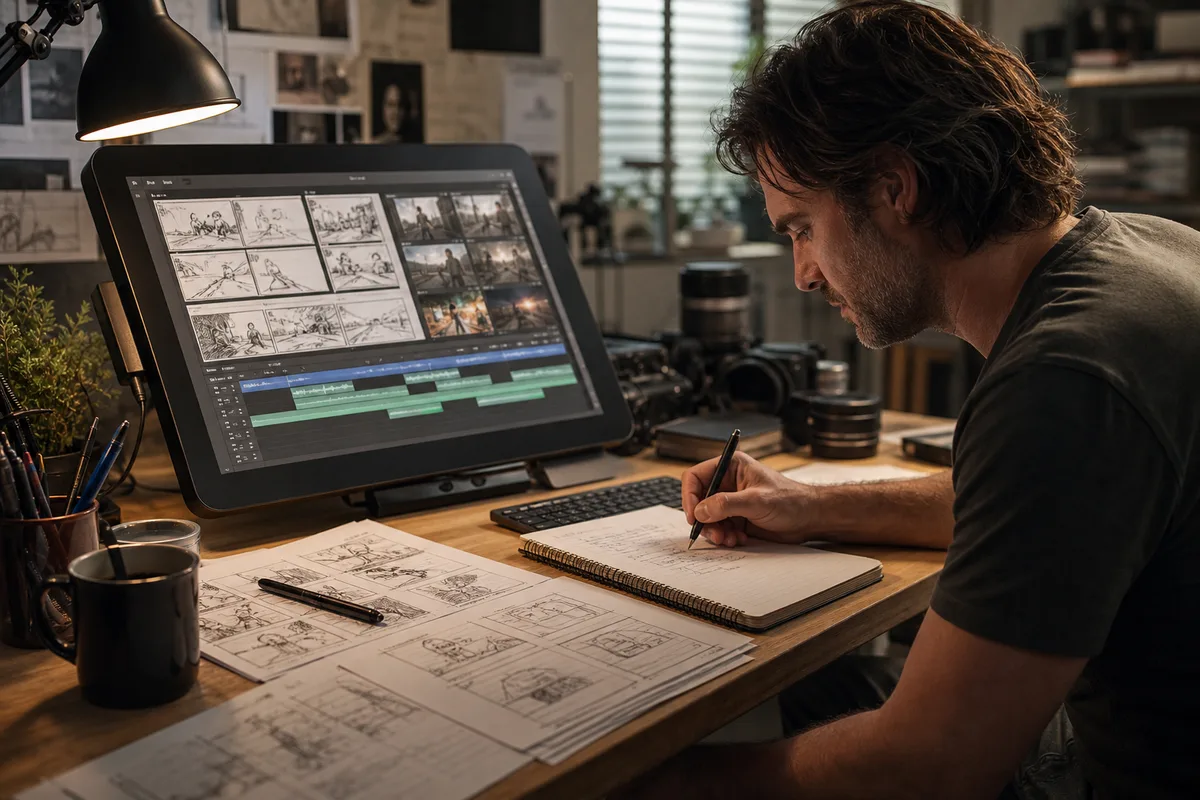
Quick answer: A strong MiniMax H3 prompt works like a compact directing brief. State the format, subject, setting, timed action, camera, visual treatment, dialogue and sound, and constraints. When references are present, explicitly describe what each image, video, or audio file should control.
A strong MiniMax H3 prompt is less like a bag of visual adjectives and more like a compact directing brief. H3 can combine text with image, video, and audio references, so the prompt must explain both what to create and how each reference should influence the result. The goal is not maximum length. The goal is clear relationships, timed action, coherent camera language, and an intentional soundscape.
This guide provides a reusable structure for text-to-video, first-and-last-frame, and multimodal reference generation. It reflects the input roles and limits documented by the official MiniMax H3 V2 API.
The seven-part H3 prompt structure
Use this order as a starting point:
- Format and purpose: product commercial, documentary insert, music visual, cinematic scene, or social clip.
- Subject and setting: who or what is present, where, time of day, and important visual attributes.
- Action beats: what happens first, next, and last.
- Camera: shot size, lens feeling, angle, movement, focus, and cuts.
- Look: lighting, palette, texture, production design, and realism level.
- Dialogue and sound: spoken words, voice quality, effects, ambience, music, and timing.
- Constraints: what must remain consistent or must not change.
Write in complete, concrete sentences. If several instructions conflict, the model must decide which one wins.
A text-to-video example
Weak prompt:
A cool cinematic perfume commercial, beautiful woman, luxury, 2K, dramatic.
Directed prompt:
Ten-second luxury fragrance film. A clear glass perfume bottle stands on wet black stone inside a dark gallery. Begin with an extreme macro of condensation moving down the glass. At three seconds, make a slow clockwise orbit as a narrow rose-colored light travels across the embossed label. At seven seconds, pull back to reveal thin mist and a woman in a sculptural black dress approaching in soft focus. Controlled highlights, deep burgundy shadows, realistic glass and liquid. Synchronized droplets, distant heels, low room tone, and one restrained cello note. Keep the bottle geometry, label placement, and liquid level consistent.
The second prompt gives H3 a sequence, not just a mood.
Prompt mapped to this video
Cinematic product reveal
Ten-second cinematic product film. A sculptural object rises through a tall urban atrium at night. Begin with a low-angle view, then push upward as practical lights reveal the material and scale. Controlled reflections, realistic architecture, deep green and crimson color separation. Add a restrained mechanical lift, distant city ambience, and one low musical pulse. Keep the product geometry stable and the camera movement smooth.
Control time with beats
For clips up to 15 seconds, use approximate time anchors or an ordered sequence. Do not request twelve unrelated events in four seconds. A useful pattern is:
- 0–3 seconds: establish the subject.
- 3–8 seconds: perform the main action.
- 8–12 seconds: reveal or transformation.
- 12–15 seconds: resolve on a clear final image.
Multi-shot prompts should state where a cut occurs. If you want one continuous take, say so and avoid verbs such as “cut to.” Continuity becomes easier when each beat grows naturally from the previous one.
Write usable camera direction
Combine one primary movement with a clear subject relationship: “slow dolly toward the cyclist while the camera stays at wheel height.” Terms such as tracking, orbit, crane, handheld, static, rack focus, and push-in are useful when the surrounding sentence makes their purpose clear.
Avoid stacking incompatible directions: “static handheld drone shot with a rapid slow push-in.” Decide whether the camera or subject creates the energy. Specify lens character only when it changes the shot: macro compression, wide-angle spatial exaggeration, shallow portrait focus, or long-lens background compression.
Prompt dialogue and audio together
H3 can generate synchronized stereo audio, so write sound as part of the scene. Put exact dialogue in quotation marks and identify the speaker. State delivery, language, and timing:
The mechanic looks toward camera at six seconds and says in calm American English, “Listen to the machine.” Her voice is close and dry. Tools ring softly on the left, rain falls across the metal roof in stereo, and the engine settles into a low idle. No background music.
Separate dialogue, sound effects, ambience, and music. If the scene should remain silent, say which sounds are allowed rather than only writing “no audio.” For reference audio, explain whether H3 should preserve voice identity, rhythm, ambience, or musical character.
Prompt mapped to this video
Character performance with native sound
Stylized performance film inside a vivid game-like world. A confident animated heroine addresses camera, then pivots into a quick expressive movement as interface elements react around her. Dynamic medium shot, controlled character identity, saturated violet and acid-yellow production design. Generate tightly synchronized movement sounds, playful interface effects, and energetic music that stays below any dialogue. Keep costume, face, and graphic text stable.
First-frame prompting
The first frame already establishes composition and appearance. Do not spend the prompt redescribing every visible pixel. Focus on motion and preservation:
Preserve the woman's facial identity, red coat, rainy street, and neon lighting from the first frame. She turns toward the approaching tram, pulls the collar closer, and takes two steps backward. The camera tracks gently left at chest height. Reflections move naturally across the wet pavement. Keep the storefront text unchanged. Generate cold street ambience, tram brakes, and close fabric movement; no music.
The official API determines image-to-video aspect ratio from the input frame, so use an image already composed for the intended output.
First-and-last-frame prompting
Treat the prompt as the motion bridge between two fixed states. Describe the causal transition instead of repeating the images:
Begin exactly from the first frame. The paper bird unfolds its wings, lifts from the desk, and flies through the sunbeam in one continuous arc. The camera pans right and rises slightly with it. Loose sketches respond to the wing movement. Resolve smoothly and exactly into the final frame, with no cut, no additional birds, and no change to the room layout.
Choose endpoint images with compatible subject design and perspective. Prompting cannot always reconcile fundamentally different geometry in a short duration.
Multimodal reference prompting
The V2 API uses explicit roles for reference images, videos, and audio. In the prompt, name the job of each asset:
Use reference image 1 only for the actor's face and hair. Use reference image 2 for the silver jacket and boots. Follow the body movement and camera rhythm of reference video 1, but replace its location with a white cyclorama. Preserve the voice character and pacing from reference audio 1 while speaking the new line, “Built for the next move.” Do not copy background objects or clothing from the motion reference.
This prevents accidental transfer. If a reference contributes only motion, say what should not be copied.
Prompt mapped to this video
Multimodal character direction
Intimate cinematic character study in warm late-afternoon light. Preserve the main actor's face, glasses, wardrobe, and body proportions from the identity reference. Follow only the relaxed body movement and camera rhythm of the movement reference; do not copy its person or location. Begin in a medium close-up, make a slow controlled push-in, and end on a natural reaction. Add soft wind, fabric movement, distant landscape ambience, and no music.
Negative instructions and constraints
Constraints work best when they are specific and limited. Useful examples include:
- Keep the product shape and logo placement unchanged.
- One continuous shot; no cuts or time jumps.
- No additional people enter the frame.
- Preserve the original dialogue; replace only ambience.
- Do not copy the background from the movement reference.
A long list of generic negatives can dilute the main direction. Prioritize the two or three failures that would make the result unusable.
Why prompts fail
Common causes include too many events for the duration, contradictory camera terms, unclear reference roles, a subject that changes description midway, dialogue without a named speaker, and sound instructions buried inside visual adjectives. Another frequent problem is demanding exact text, anatomy, complex interaction, and rapid motion simultaneously. Simplify the first attempt and add complexity after the core shot works.
Use a fixed seed and modify one section of the prompt at a time. If motion is wrong, revise beats and camera—not color adjectives. If identity drifts, strengthen preservation language or improve the reference image.
A copyable template
[Duration and format]. [Subject] in [setting].

Action beats: First, [...]. Then, [...]. Finally, [...].

Camera: [shot size, angle, movement, focus, cuts or continuous take].

Look: [lighting, palette, material, realism/style].

References: Use [asset] for [specific role]. Preserve [...]. Do not transfer [...].

Sound: [dialogue], [effects], [ambience], [music], [timing and stereo placement].

Constraints: [two or three critical requirements].
Test it in the playground
Every mapped example above includes Copy Prompt and Try This Prompt. Copy keeps the full directing brief on your clipboard. Try This Prompt opens the MiniMax H3 playground, inserts the exact mapped prompt, and scrolls to the input area. The videos are inspiration mappings rather than deterministic reproduction promises: generation can vary, and source examples may have used references or settings beyond the visible text. Start from one prompt, then change a single layer—subject, action, camera, look, or sound. For interface-specific help, read Prompting in the MiniMax H3 workspace.
Primary sources and status
The documented input roles and limits were last verified on August 7, 2026. The seven-part structure and example prompts are independent editorial guidance rather than an official MiniMax prompt formula.
There is no universally perfect prompt. The best prompt is the shortest directing brief that makes the intended sequence and reference relationships unambiguous.
Continue with the right workflow
- Build a clean first request with the Text to Video guide.
- Control endpoints with First and Last Frame.
- Assign image, video, and audio roles with Multimodal Reference.
- Plan motion transfer with the Reference-to-Video guide.
- Protect recurring subjects with the Character Consistency guide.
- Turn the structure into an advertising brief with Product Video Prompts.
- Write a natural vertical testimonial with UGC Video Prompts.
- Build a multi-shot sequence with the Music Video Workflow or Game Cinematic Prompts.
- Paste any example prompt into the MiniMax H3 Playground and change one directing layer at a time.
Categories
More Posts
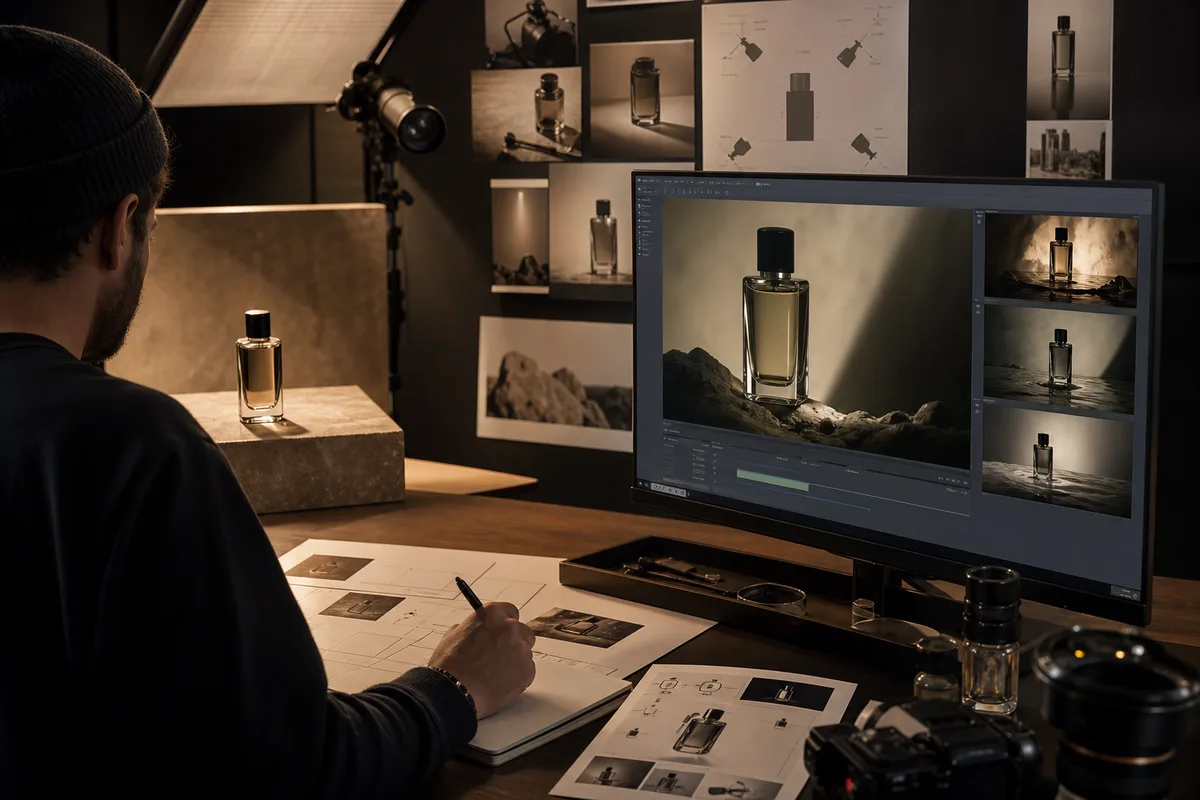
MiniMax H3 Product Video Prompts for Ads and E-Commerce
Create MiniMax H3 product videos with prompts for beauty, technology, food, and e-commerce ads, including settings, references, cost, and quality checks.
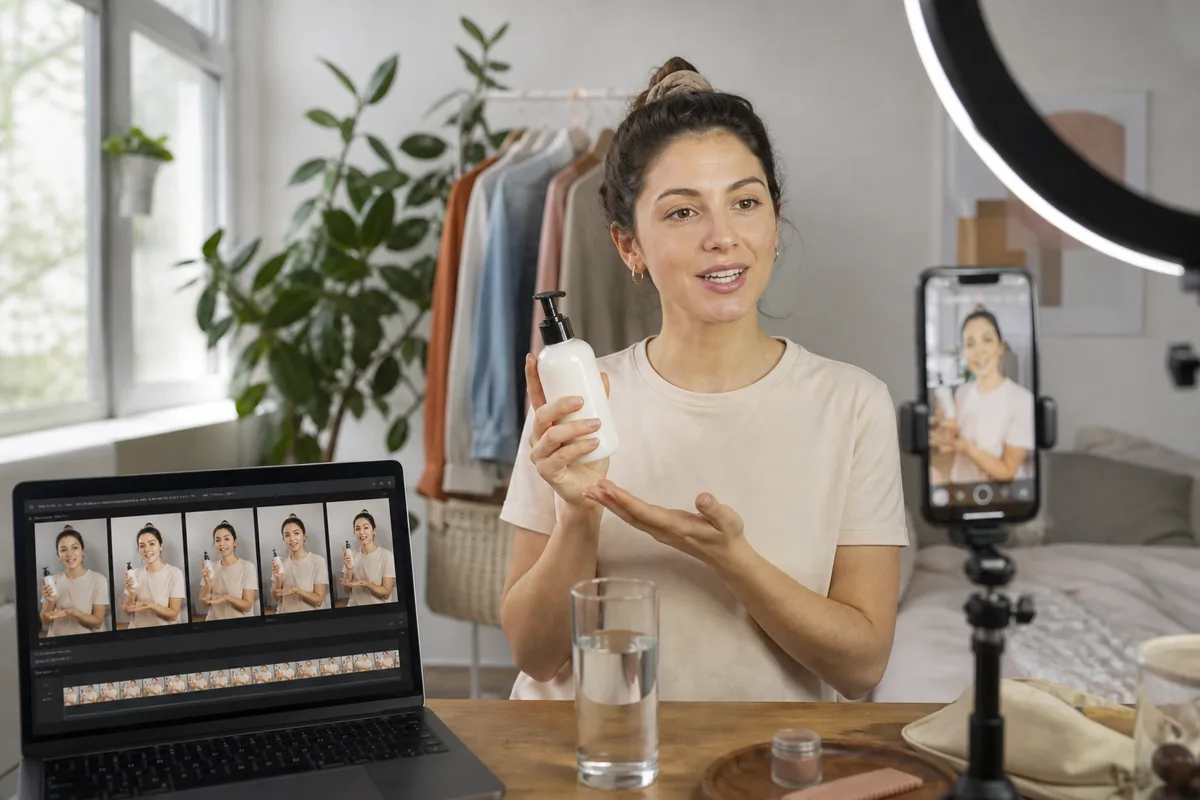
MiniMax H3 UGC Video Prompts for Social Ads and Creators
Create MiniMax H3 UGC videos with prompts for testimonials, demos, lifestyle hooks, dialogue, vertical framing, character consistency, audio, and cost control.
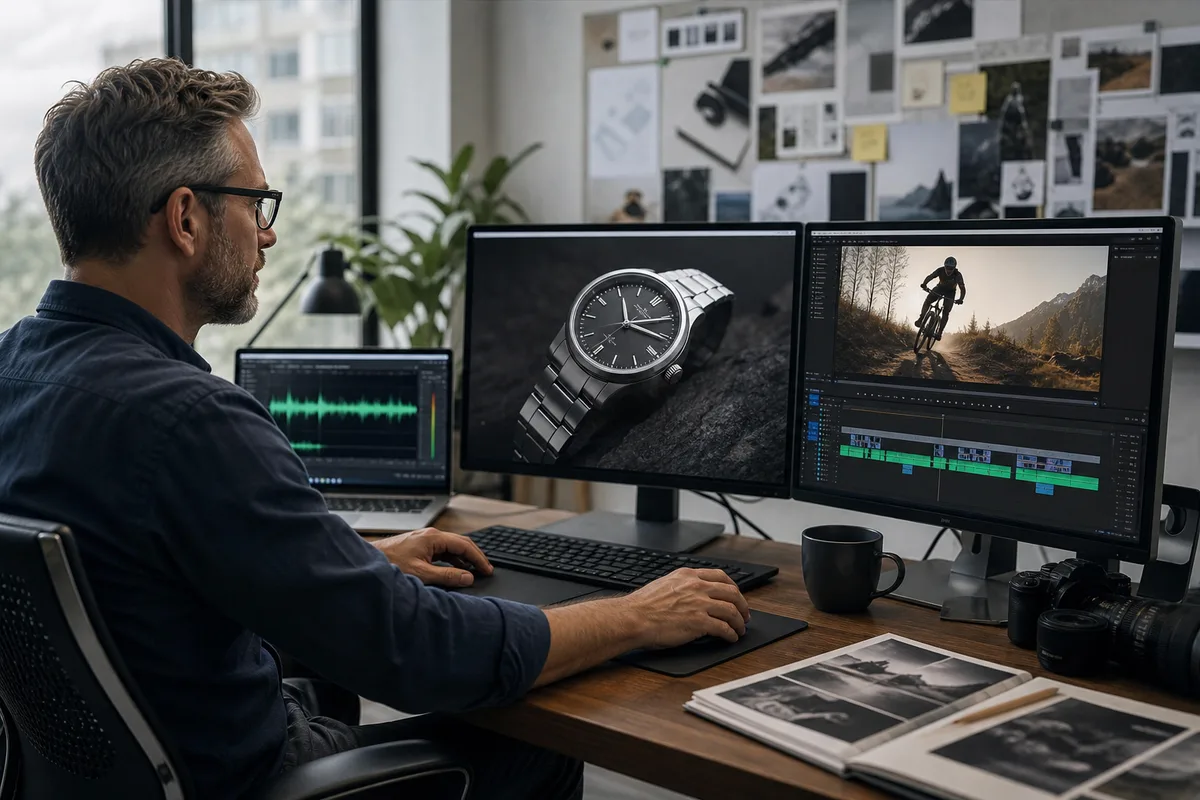
MiniMax H3 Reference-to-Video Guide: Motion and Sound
Use MiniMax H3 reference images, videos, and audio to control identity, products, motion, camera rhythm, voice, and style without copying unwanted details.
Newsletter
Join the community
Subscribe to our newsletter for the latest news and updates