MiniMax H3 UGC Video Prompts for Social Ads and Creators
Create MiniMax H3 UGC videos with prompts for testimonials, demos, lifestyle hooks, dialogue, vertical framing, character consistency, audio, and cost control.
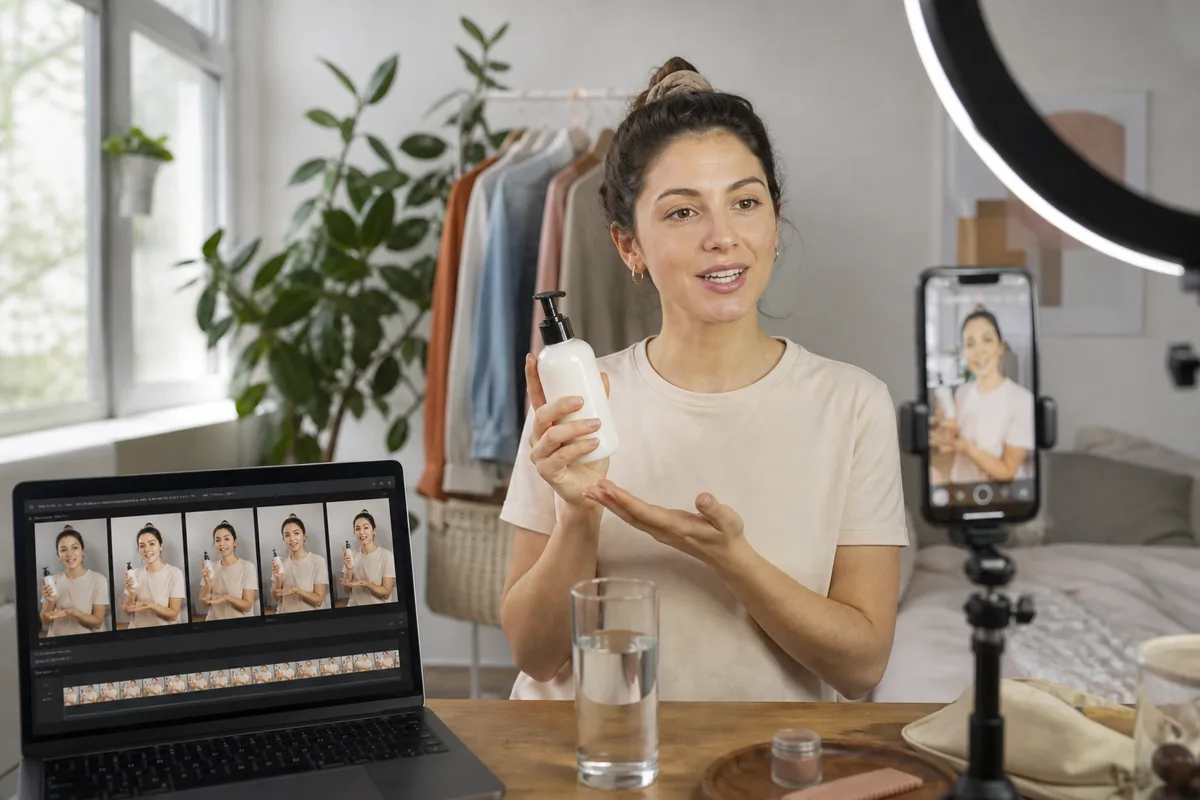
Quick answer: MiniMax H3 UGC prompts should define the speaker, product, platform format, first-second hook, natural action, exact dialogue, phone-camera behavior, room sound, and prohibited changes. Use 9:16, keep one speaker and one main action in the first test, and use an authorized identity reference when the same creator must appear across variations.
UGC-style advertising looks casual, but generating it reliably requires precise direction. A vague request for “a realistic influencer video” may produce polished footage that feels like a commercial, offscreen dialogue, changing products, or an overactive camera. The goal is controlled imperfection: a believable phone camera, natural performance, readable action, and audio that does not sound staged.
What makes generated UGC believable?
Useful UGC usually has five signals:
- A hook that is understandable in the first one or two seconds.
- A visible speaker or a clearly intentional offscreen camera operator.
- A product interaction that can be followed without rapid cuts.
- Conversational dialogue with realistic pauses and emphasis.
- A location with specific but restrained background detail and room tone.
Do not equate shakiness with authenticity. Excessive motion makes faces, hands, and product labels harder to preserve. Ask for subtle handheld drift rather than random vibration.
Choose the correct H3 mode
Use text-to-video for fictional creators, concept testing, and generic lifestyle scenes. Use first-frame mode when the opening scroll-stopping image is already designed. Use multimodal reference when an authorized creator image controls identity, a separate clip controls gesture or camera rhythm, and audio controls voice character.
For recurring campaigns, keep a continuity sheet with face description, hair, wardrobe, room, device, product, speaking pace, and audio character. The character consistency guide explains multi-shot planning.
Prompt 1: direct-to-camera testimonial
Prompt mapped to this video
Direct-to-camera testimonial
Eight-second vertical UGC testimonial recorded on a phone in a bright apartment kitchen. A woman in her late twenties with shoulder-length dark curls holds an unbranded coral skincare tube beside her face. Preserve her face, hair, white T-shirt, tube shape, and cap color. Begin already framed in a natural chest-up selfie shot. She looks into the lens and says: I changed one step and my morning routine finally feels simple. At five seconds, she turns the tube once so the blank front label faces camera. Subtle handheld drift, realistic skin, soft window light, ordinary tidy background. Accurate lip sync, quiet refrigerator hum, light fabric movement, no music. No beauty-filter skin, no extra fingers, no label text, no cuts.
The dialogue is short enough for eight seconds. If the line feels rushed, remove a clause before increasing duration.
Prompt 2: problem-and-solution hook
Prompt mapped to this video
Problem-and-solution hook
Ten-second vertical creator video filmed at a small desk. A friendly man in a dark green sweater looks at a cluttered laptop screen, then turns to camera holding a fictional matte-black focus timer. In the first second he says: I kept losing my afternoons to tiny distractions. At four seconds, he presses the timer button once and clears three notification cards from the desk. At seven seconds he says: This makes one task feel possible. Preserve face, sweater, timer geometry, button placement, and desk layout. Natural phone camera, small autofocus correction, soft daylight, realistic hands. Add button click, quiet room tone, distant traffic, no music, no text overlays, no jump cuts.
This prompt combines a verbal hook with one visible proof action. It does not ask the model to generate an entire application interface or several unrelated benefits.
Prompt 3: lifestyle demonstration
Nine-second 9:16 outdoor UGC clip at a neighborhood park just after sunrise. A runner in a coral jacket clips a small unbranded safety light to her waist, taps it once, then begins jogging toward a tree-lined path. Start with a close phone-camera view of the clip attaching securely. At three seconds, tilt up to her face as she says: Early miles feel better when I know I can be seen. At six seconds, step backward as she starts moving. Preserve her face, jacket, light shape, clip position, and path direction. Natural breath, fabric movement, birds, distant bicycles, no music, no extra people crossing foreground.
Use a video reference only when a specific gesture or phone-camera rhythm is essential. State that the reference supplies motion, not identity, clothes, or location.
Dialogue and lip-sync rules
Identify the speaker before the line and keep visible speech within the available time. Use one speaker in the first test. Write the exact words and describe delivery: quiet, amused, skeptical, energetic, or breathless. Avoid asking for dialogue, voice-over, background conversation, music, and several sound effects at once.
If dialogue is spoken offscreen unexpectedly, state that the visible person looks into lens and speaks the line with clearly visible mouth movement. If the camera operator should speak, say that the voice is offscreen and must not move the subject's lips.
Vertical composition
Use 9:16 for TikTok, Reels, and Shorts concepts. Keep important faces, hands, and products away from the extreme top and bottom where platform controls or captions may cover them. Leave deliberate negative space for real captions added in post. Do not depend on generated captions for legal or promotional copy.
Credits and iteration
Start with four or five seconds at 768P when testing identity, framing, and one gesture. A five-second 768P base generation uses 125 credits on minimaxh3.pro before reference adjustments. Increase duration only after dialogue pacing works. Use 2K for final candidates that need cropping or detail.
Generate several controlled variations by changing one element:
- Keep speaker and line; change only the hook framing.
- Keep framing; change only the product action.
- Keep action; change only dialogue delivery.
- Keep the approved performance; change background only if required.
This produces a useful creative matrix instead of eight unrelated clips.
UGC review checklist
- Is the first-second hook visible and understandable?
- Does the same person remain on screen?
- Are hands and product contact physically plausible?
- Is the dialogue exact and assigned to the correct speaker?
- Does the performance feel conversational rather than theatrical?
- Is handheld motion restrained and intentional?
- Is the background stable enough for the viewer to focus?
- Is there safe space for edited captions?
- Are all claims, endorsements, and disclosures legally appropriate?
Generated characters are not real customers. Do not present fictional testimonials as genuine consumer endorsements. Label synthetic content where law or platform policy requires it.
FAQ
Can MiniMax H3 make vertical UGC videos?
Yes. Choose 9:16 and write the scene for phone framing, caption-safe space, and a short social hook.
How long should UGC dialogue be?
Use one short natural sentence for the first test. Read it aloud within the selected duration before generating.
Can I use a real creator as a reference?
Only use identity, voice, and performance references you are authorized to process. Obtain consent appropriate to the campaign and jurisdiction.
Should captions be generated inside the video?
Critical captions, prices, and disclosures are safer to add in editing so typography remains exact and accessible.
Primary sources
- MiniMax H3 official commercial use cases
- MiniMax H3 V2 API reference
- MiniMax H3 official prompt documentation
Last verified August 7, 2026. This independent workflow is not affiliated with MiniMax and does not replace advertising, endorsement, or disclosure review.
Categories
More Posts
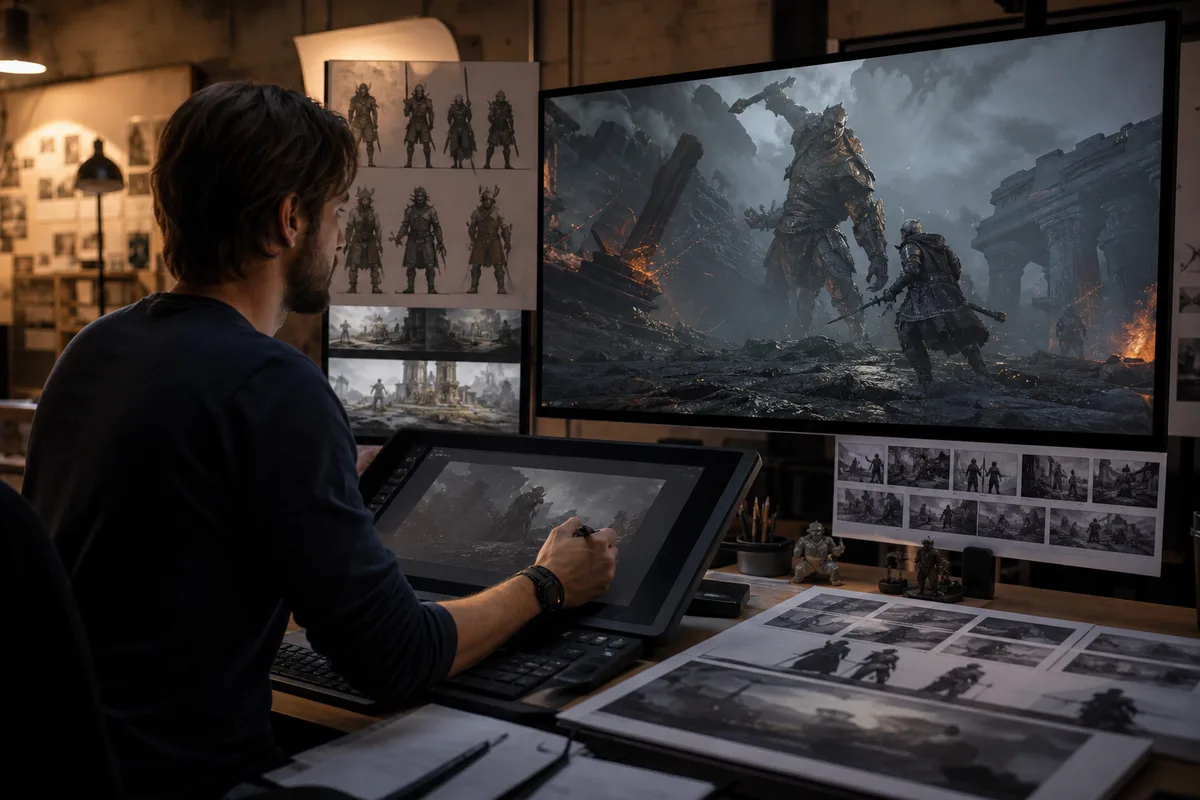
MiniMax H3 Game Cinematic Prompts for Trailers and Concepts
Create MiniMax H3 game cinematics with prompts for character reveals, environments, UI moments, combat teases, native audio, consistency, credits, and editing.
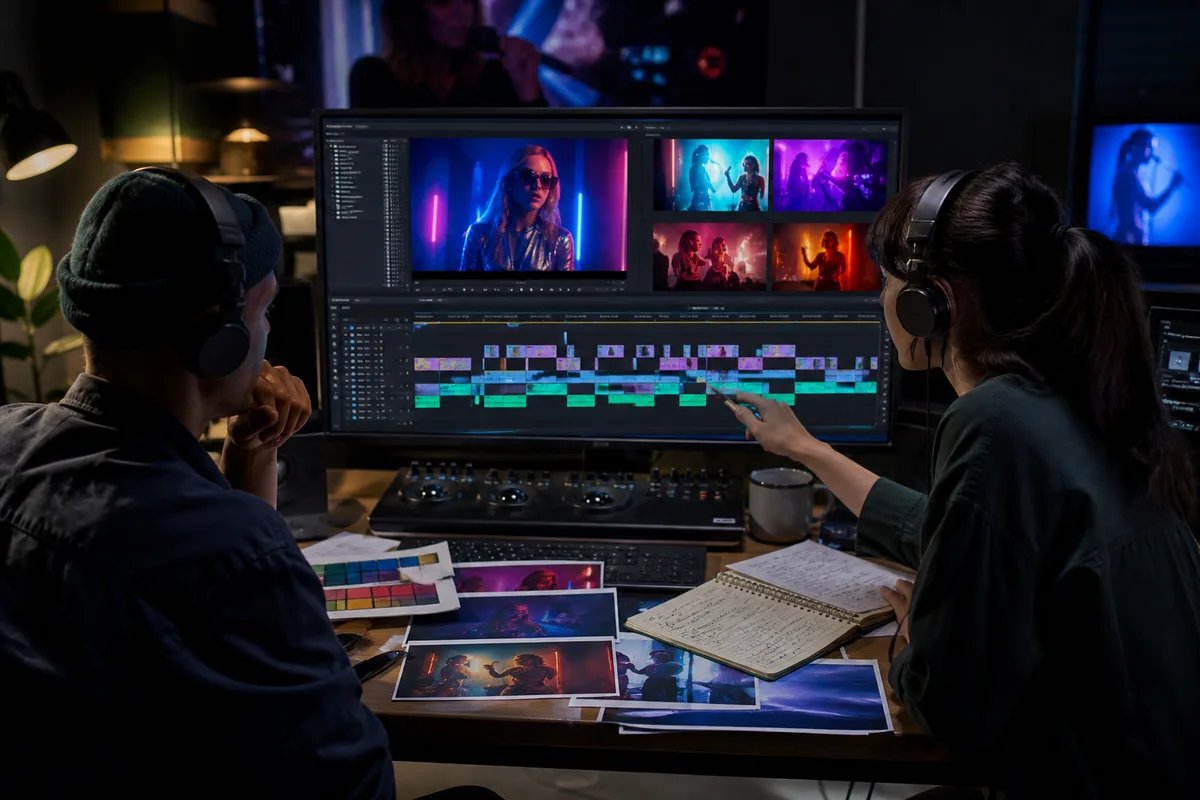
MiniMax H3 Music Video Workflow: Prompts, Audio, and Editing
Plan a MiniMax H3 music video with visual beats, performance references, synchronized audio, shot continuity, prompts, credit estimates, and editing.
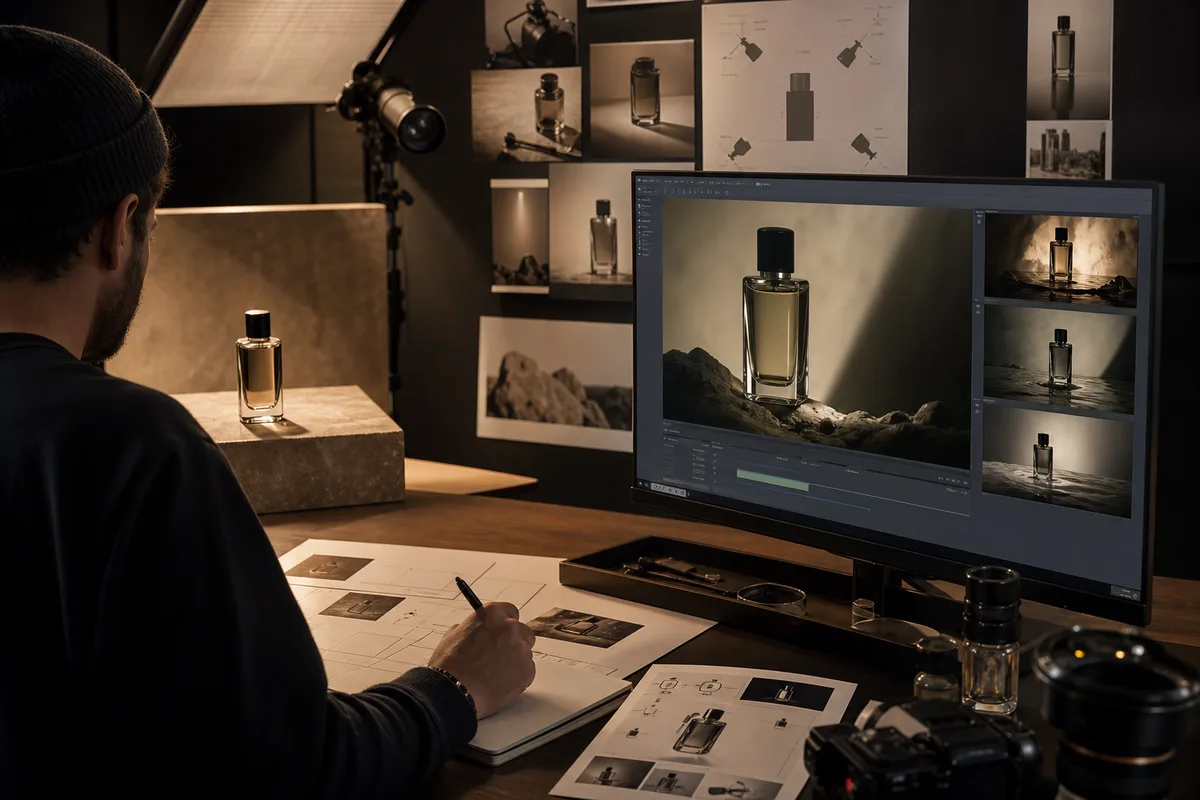
MiniMax H3 Product Video Prompts for Ads and E-Commerce
Create MiniMax H3 product videos with prompts for beauty, technology, food, and e-commerce ads, including settings, references, cost, and quality checks.
Newsletter
Join the community
Subscribe to our newsletter for the latest news and updates