MiniMax H3 vs Luma Ray3.2: Which Video Workflow Fits?
Compare MiniMax H3 and Luma Ray3.2 for multimodal control, audio, image-to-video, iteration, resolution, access, and production workflow.
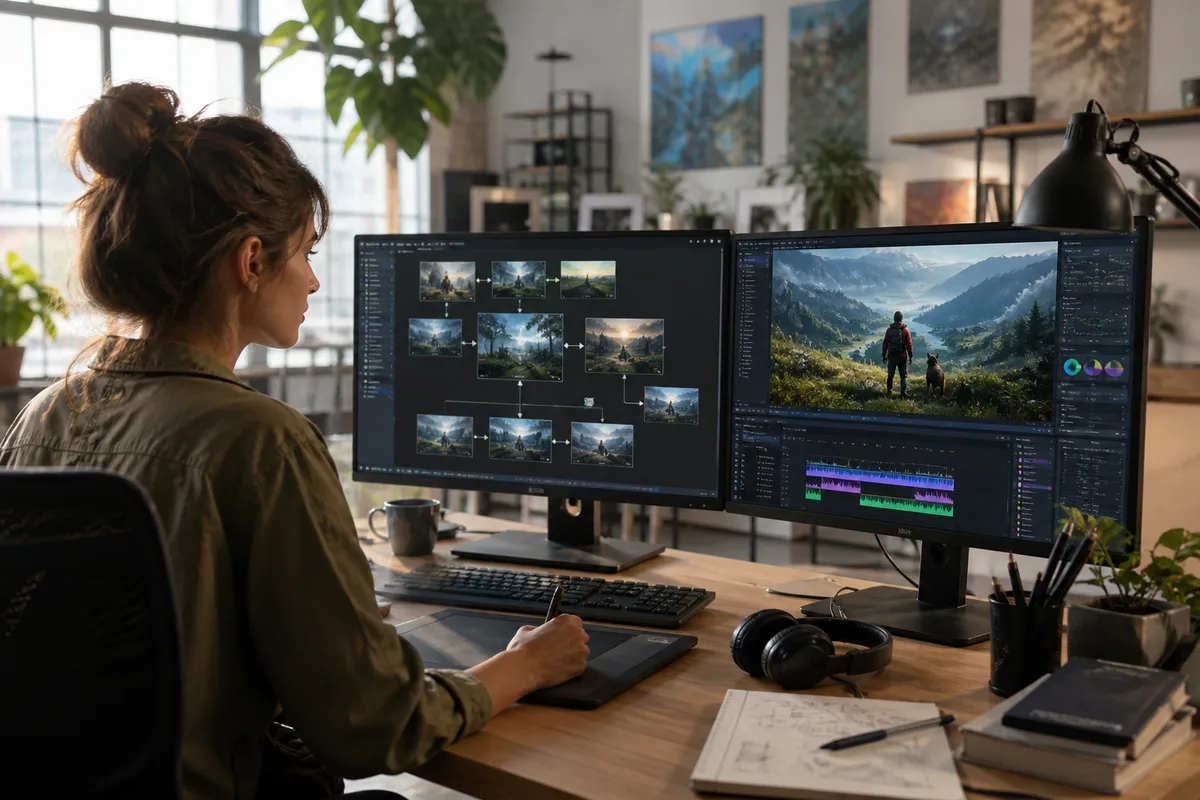
Quick answer: MiniMax H3 is attractive for multimodal audio-video generation, direct 2K output, and explicit first/last-frame or reference modes. Luma Ray3.2 is attractive for teams already using Dream Machine's visual iteration and modification workflow. Test both with the same assets because product experience can matter as much as the base model.
This comparison uses Ray3.2, the current version identified in Luma's official model information when reviewed on August 7, 2026. The URL remains version-neutral because point releases change quickly. Articles that compare H3 with Ray2 or an early Ray3 release can provide history, but they should not be treated as a current purchasing comparison.
Quick comparison
| Area | MiniMax H3 | Luma Ray3.2 |
|---|---|---|
| Product | Focused H3 online generator | Dream Machine creative environment |
| Main controls | Text, first/last frame, multimodal references | Text/image-led generation and product modification tools |
| Audio | Synchronized stereo audio is central | Confirm the active Ray workflow and export options |
| Resolution | 768P or direct 2K documented | Depends on current Dream Machine plan and workflow |
| API posture | Documented asynchronous H3 V2 API | Verify current Luma API model and account access |
| Best fit | Directed audio-video generation | Fast visual ideation and iteration |
Creative workflow
H3 organizes creation into three understandable paths. Text-to-video starts from a written scene. First-and-last-frame mode controls endpoints. Multimodal reference mode uses images, video, and audio as directed context. That makes the interface suitable for users who think in terms of production inputs and shot constraints.
Luma's advantage is broader Dream Machine iteration. Its product has emphasized making, modifying, and exploring shots in a visual environment. For concept artists and creative teams, the speed of branching ideas, changing a shot, and keeping work in one canvas may be more valuable than a longer parameter list.
Evaluate the complete workflow: how quickly can a user reach a usable shot, revise it, preserve the successful parts, download it, and find it later? Model quality is only one part of that path.
Reference and image-to-video control
H3's V2 API documents up to nine reference images, three videos, and three audio files in multimodal mode. It also separates first/last-frame generation from general references. This is useful when a shot must begin and end on known compositions.
Ray workflows are often chosen for visual ideation and image-led motion. Test the exact Ray3.2 interface available to your account rather than assuming an older tutorial matches the current product. Use identical authorized source images and define camera, action, materials, and exclusions.
Score identity, geometry, background stability, camera path, motion, and unintended additions. For endpoint control, compare how closely each output matches both the opening and closing composition without producing an unnatural transition.
Audio
Audio is a central H3 differentiator. Its positioning includes synchronized dialogue, effects, ambience, and music. With Ray3.2, confirm what the current selected workflow generates natively and what is added elsewhere in the product. Do not compare H3's generated soundtrack with a manually enhanced Ray result without disclosure.
Use a dialogue shot and a sound-design shot. Check lip timing, intelligibility, timing of visible impacts, ambience continuity, stereo field, and unwanted music. If a creator would normally finish sound in an editor, measure that additional time rather than pretending native audio is always final or external audio is free.
Motion and visual quality
Official showcases are curated. A fair benchmark needs multiple seeds, complete clips, and real production prompts. Include a product orbit, a walking human, hands manipulating an object, fabric motion, and a moving camera in a detailed environment.
Review at normal speed and frame by frame. Score anatomy, object permanence, material detail, temporal texture, camera stability, and instruction following. A visually impressive first frame does not compensate for geometry breaking halfway through the clip.
Resolution and delivery
MiniMax documents 768P and 2K output for H3 V2. Ray3.2 delivery settings can depend on the current product plan, model choice, and export workflow. Record actual downloaded dimensions, frame rate, duration, codec, watermark status, and whether any upscale step was used.
Avoid equating pixel count with production quality. Temporal coherence, composition, motion, and clean audio can matter more. Evaluate the final exported file because browser previews may be compressed.
API and operations
H3 V2 is asynchronous: create a task, store its ID, poll or accept a callback, and persist the result. A production service must validate uploads, reserve credits, refund failed tasks, limit retries, and copy provider files to durable storage.
For Luma, verify the current API documentation, the exact model identifier, availability, regional terms, rate limits, callbacks, retention, moderation, and pricing. Product access does not automatically imply that every Dream Machine feature is available through an API.
Cost comparison
H3 on minimaxh3.pro uses 25 credits per output second at 768P and 40 at 2K. Four seconds costs 100 or 160 credits. The effective dollar amount depends on plan utilization, expiry, reference inputs, and retries.
Luma cost depends on its current plan or API route. Compare at the same review date and disclose whether the result used a subscription, top-up, priority queue, or upscale. The correct metric is accepted-output cost: total charges divided by the number of clips a reviewer would actually deliver.
Generate at least twenty matched jobs per use case before claiming a cost advantage. One lucky generation makes every model look cheap.
Same-prompt test
Create a six-second product shot: a frosted glass perfume bottle on dark stone, a slow 45-degree orbit, condensation moving naturally, one warm rim light, exact bottle shape, no text, and synchronized glass and room ambience. Use the same source image, ratio, duration, and nearest resolution tier. Make four outputs per model.
Record model version, access route, settings, seed where exposed, latency, and charge. Score geometry, motion, camera, reference fidelity, sound, and usability. Publish complete paired clips only after both sides were generated under these conditions.
Which should you choose?
Choose MiniMax H3 when native audio-video generation, direct 2K, explicit multimodal references, first/last-frame control, or its documented API fits the project. Choose Luma Ray3.2 when Dream Machine's visual iteration and modification experience makes the team faster.
Use both if ideation and final production have different needs. A team might explore visual directions in one tool and generate reference-driven audio-video shots in another. See MiniMax H3 alternatives, the real-world test framework, and the prompt guide.
Primary sources
This independent comparison is not affiliated with MiniMax or Luma AI.
MiniMax H3 vs Luma Ray FAQ
What is the current Luma version?
Luma's official information identified Ray3.2 when this guide was reviewed on August 7, 2026.
Which model is better for native audio?
H3 explicitly centers synchronized stereo audio. Verify the active Ray3.2 workflow before assuming feature parity.
Which is better for image-to-video?
Both require a matched test. H3 offers explicit first/last-frame and multimodal modes; Luma offers a visual Dream Machine workflow.
Can official showcases decide the winner?
No. Use identical source assets, multiple outputs, full clips, blind scoring, and accepted-output cost.
Categories
More Posts

Best MiniMax H3 Alternatives in 2026: 8 Models Compared
Compare current MiniMax H3 alternatives including Seedance 2.5, Kling 3.0, Veo 3.1, Runway Gen-4.5, LTX-2.3, Luma Ray3.2, Firefly, and Wan.
MiniMax H3 Real-World Test: Strengths and Weaknesses
Evaluate MiniMax H3 with a repeatable real-world test for product shots, characters, motion, audio, references, text, cost, and production usability.
MiniMax H3 vs Adobe Firefly Video for Commercial Work
Compare MiniMax H3 and Adobe Firefly Video for generation, reference control, audio, editing, commercial workflows, access, and cost.
Newsletter
Join the community
Subscribe to our newsletter for the latest news and updates